
LINE Auto Lead Creation & Selective Automation
When customers add you as a friend on LINE, their contact is now automatically created as a lead. Plus new selective automation enrollment.
Messaging Channel Upgrade: LINE Auto Lead Creation & Selective Automation
⚠️ Problem
When customers add you as a friend on LINE, you had to manually create their contact information and decide which automation workflows to enroll them in. This creates delays in responding to new leads and makes it difficult to segment customers for targeted follow-up campaigns.
✅ Solution
We've upgraded LINE integration with two powerful automation features:
1. **Automatic Lead Creation**: When someone adds you as a friend on LINE, their contact is automatically created as a lead in your ABC Sales AI system using their LINE ID.
2. **Global Default Automation**: Set up a default automation that every new LINE friend receives automatically (like a welcome message).
3. **Selective Automation Enrollment**: Choose specific leads to add to targeted automation workflows using bulk operations, giving you precise control over follow-up campaigns.
✅ How It Works
Automatic Lead Creation
As soon as someone scans your LINE QR code and adds you as a friend, ABC Sales AI will:
- Instantly create a new lead profile using their LINE ID
- Make the lead visible in your Leads dashboard
- Trigger any global default automations you've set up
Global Default Automation
You can set up a "global default" automation that runs for every new LINE contact:
- All new friends will be automatically enrolled
- Perfect for welcome messages or initial engagement sequences
- No manual action needed - it happens within seconds of them adding you
Selective Automation for Targeted Follow-Up
For more targeted campaigns, you can manually select which leads to enroll:
1. Go to your Leads page
2. Find the specific lead(s) you want to follow up with
3. Select the lead and click Bulk Operations
4. Click Subscribe Automation
5. Choose the automation workflow you want them to join
6. Only those selected leads will receive messages from that specific automation
✅ Step-by-Step Setup Guide
Step 1: Connect Your LINE Account
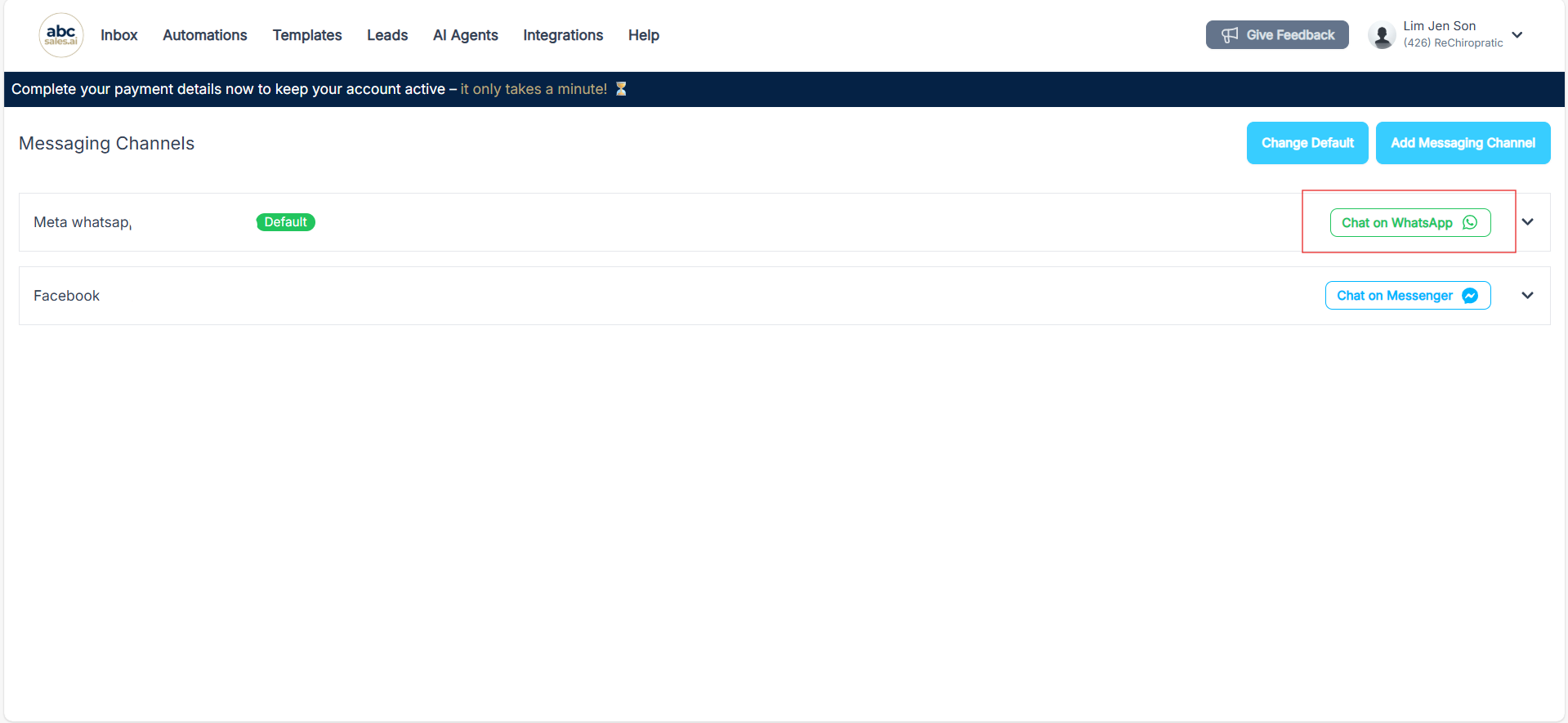
First, make sure your LINE account is connected to ABC Sales AI. If you haven't done this yet, go to Profile → Messaging Channels → Add Messaging Channel → LINE.
Step 2: Create Your Automations
1. Go to the Automations section
2. Create your first automation (e.g., "Welcome Message") and set it as your global default
3. Create additional automations for targeted follow-up (e.g., "Follow-Up Demo", "Product Interest", etc.)
Step 3: Test the Auto Lead Creation
1. Use a test phone to scan your LINE QR code
2. Add yourself as a friend
3. Go to your Leads dashboard and click refresh
4. You should see the new lead appear immediately
5. Go to Automations and verify the lead is enrolled in your global default automation
✅ Example Use Case
Scenario: You run LINE ads for your business and want to:
- Send a welcome message to everyone who adds you
- Send product demos only to leads whose needs are clear
Solution:
1. Create a "Welcome to ABC" automation and set it as global default → everyone gets welcomed automatically
2. Create a "Product Demo Follow-Up" automation (not global default)
3. After chatting with leads, manually select the ones whose needs are clear
4. Use Bulk Operations to subscribe only those leads to the "Product Demo Follow-Up" automation
5. Result: Everyone gets welcomed, but only selected leads get the demo follow-up
✅ Tips & Best Practices
- Keep global default messages short and welcoming - this is the first impression every new contact gets
- Use selective automations for needs-based follow-ups
- Check your Leads dashboard regularly - you'll see new contacts appear in real-time
- Test before launching - always test with your own device to make sure automations trigger correctly
✅ Q&A
Q: What information is captured when someone adds me on LINE?
A: We capture their LINE ID and display name, which is used to create their lead profile in your system.
Q: Can a lead be in multiple automations at once?
A: Yes! A lead can be enrolled in the global default automation and multiple selective automations simultaneously.
Q: How quickly are leads created after someone adds me?
A: Lead creation is instant. As soon as someone adds you as a friend on LINE, their profile appears in your Leads dashboard within seconds.
Q: Can I remove someone from an automation?
A: Yes, you can use Bulk Operations to unsubscribe leads from specific automations.